ParkIt Smart Parking
AI Parking Assistant
About the Project
ParkIt is an intelligent, real-time motorcycle parking slot detection system designed for dynamic and unstructured parking areas (such as the campus motorcycle parking facilities at Universitas Pembangunan Jaya). Traditional parking systems rely on physical sensors or static bounding boxes (Region of Interest) that require manual configuration and fail when camera views shift.
ParkIt solves this using a computer-vision-based approach to detect available parking dynamically. This project hosts the Flutter Mobile Application codebase, which serves as the user interface for riders to register vehicles, view real-time slot occupancy, inspect live annotated CCTV feeds, and manage active parking sessions.
Features & Details
YOLOv12 Object Detection
Detects motorcycles and boundaries dynamically from monocular CCTV camera feeds with 95.3% accuracy.
Adaptive Spatial-Gap Classification
Calculates real-time Euclidean distance between detected vehicles and boundaries instead of relying on static bounding boxes.
Dimension-Aware Matching
Matches detected empty gaps with the physical dimensions of the user's motorcycle to recommend suitable slots.
Real-time CCTV Dashboard
Mobile app provides live annotated feeds and categorical status maps for all parking rows.
Project Gallery
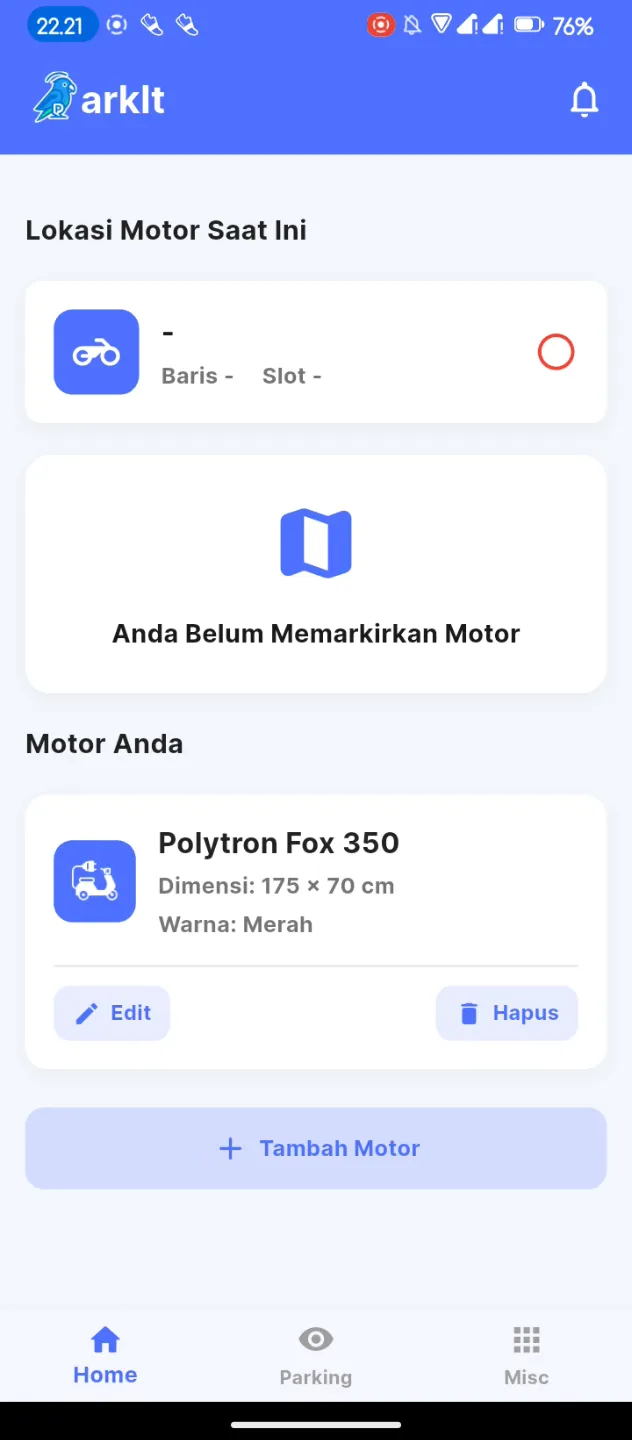
Dashboard
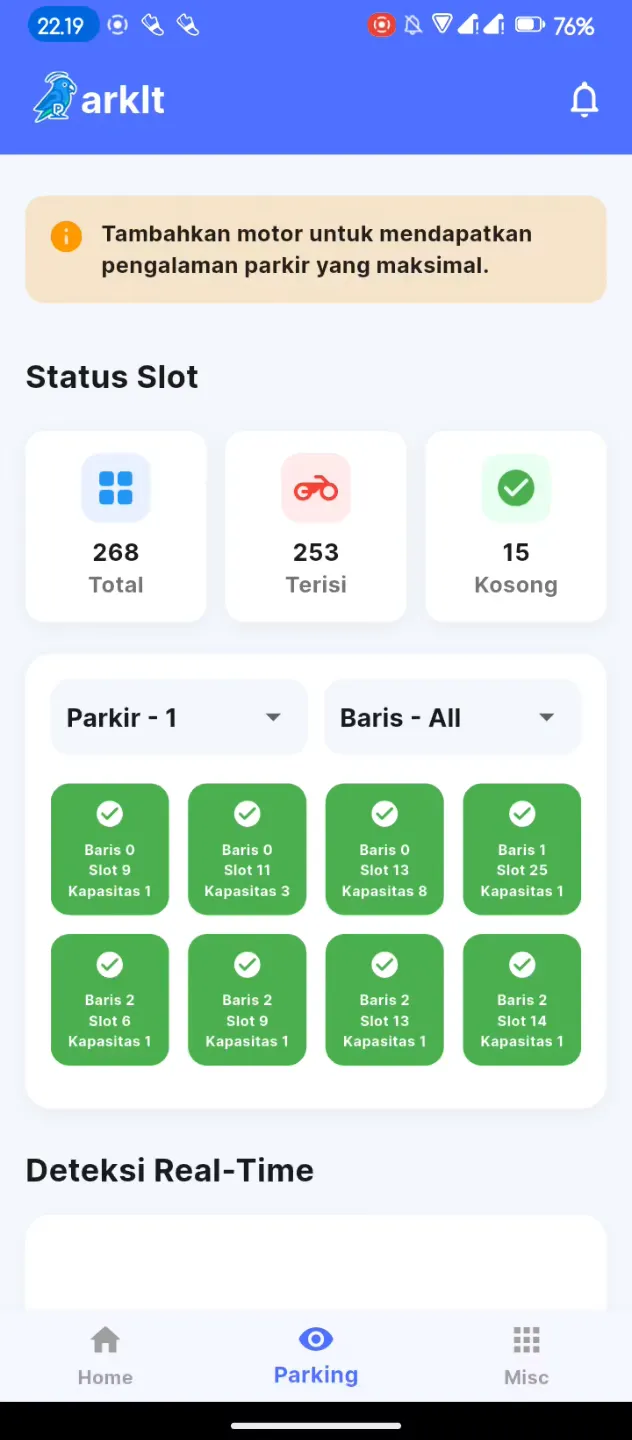
Slot Status
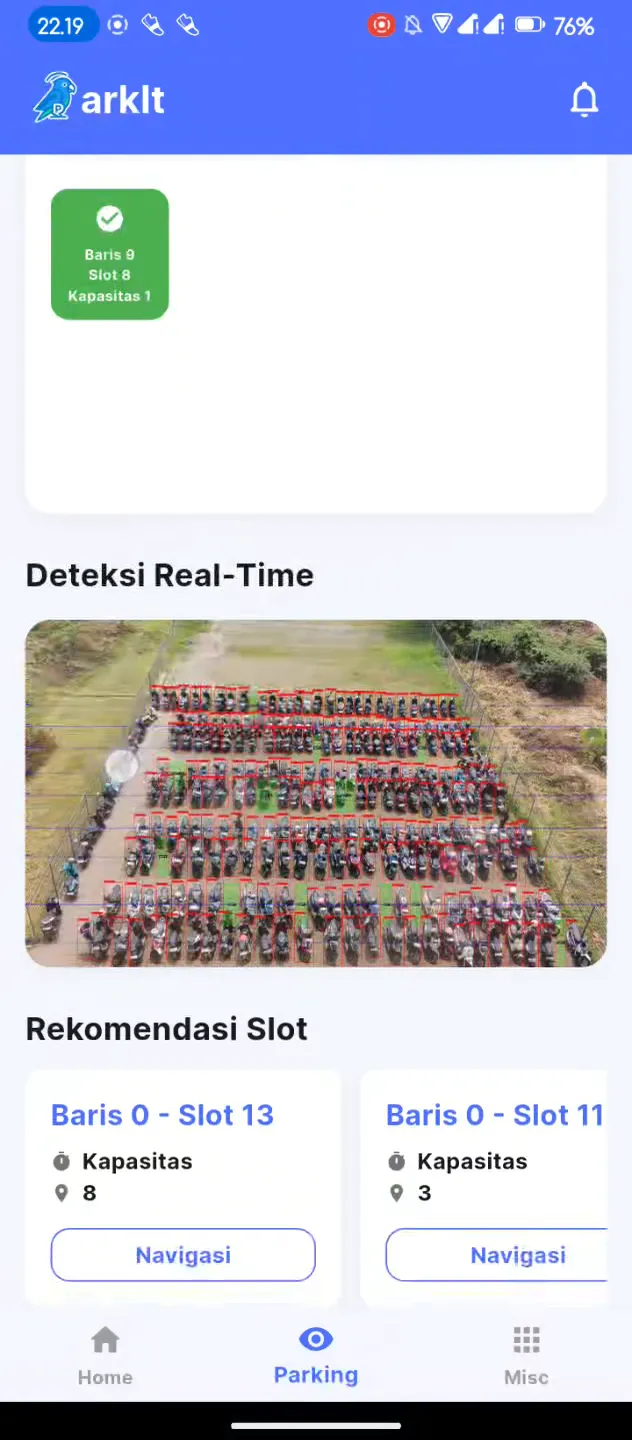
Live CCTV Feed
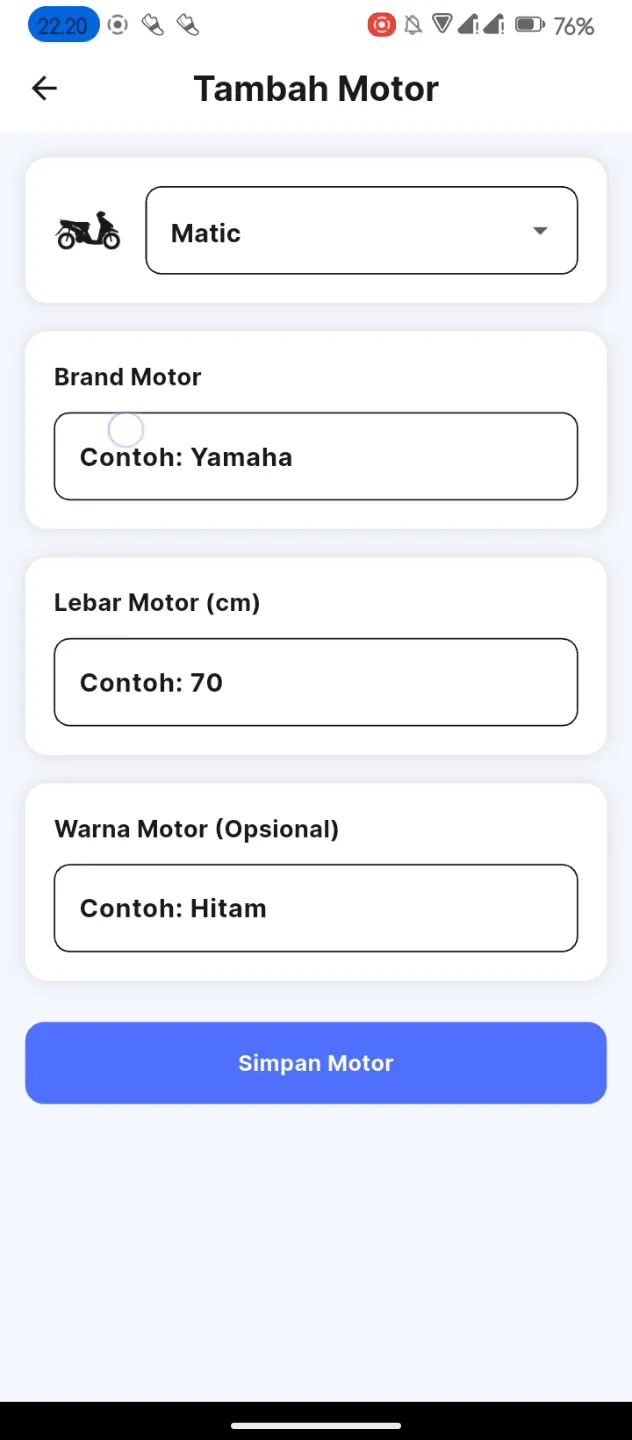
Register Vehicle
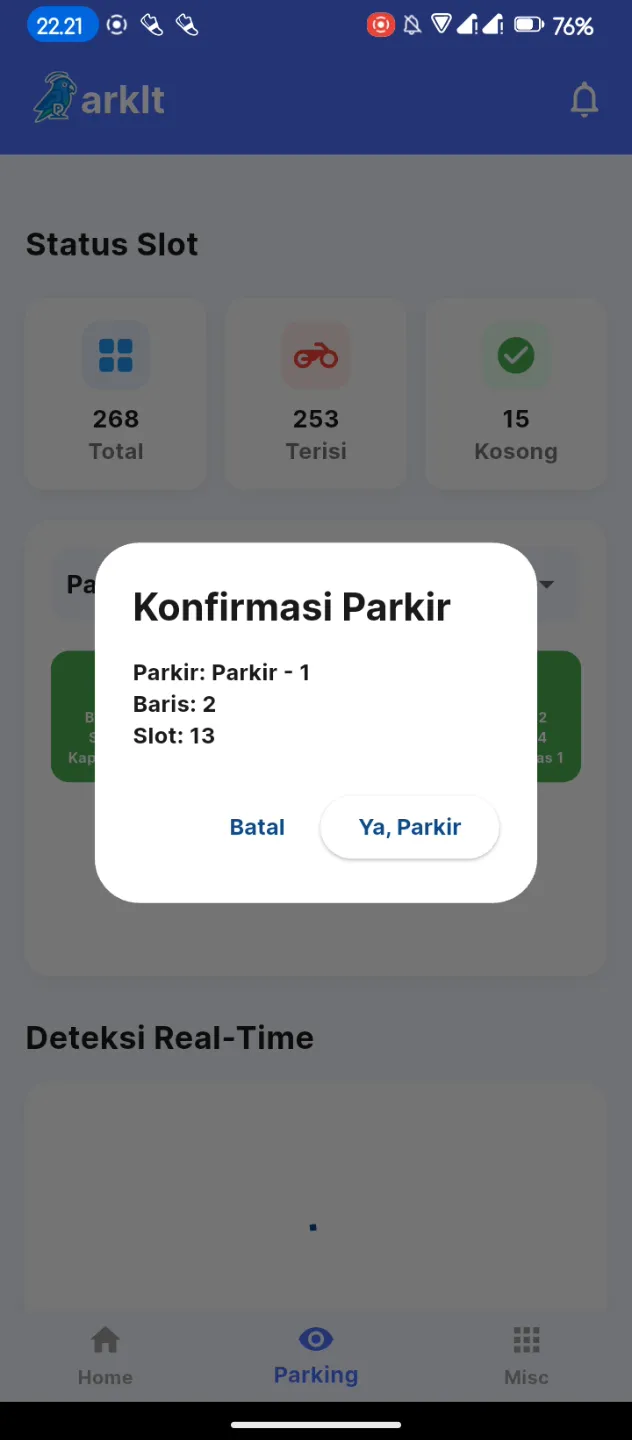
Confirm Slot
Technical Details
Frontend
Flutter (Dart), GetX
Backend
FastAPI (Python)
Machine Learning
YOLOv12m, ASB-PSC Algorithm
Database
MongoDB
Deployment
Cloudflare Tunnel / Ngrok
Tutorial & Instructions
Clone the Repository
git clone https://github.com/atilanaufal/Parkit-Smart-Parking-Assistant.git
Install Flutter Dependencies
Run 'flutter pub get' to fetch all required libraries like GetX and http.
Configure Backend API Endpoints
Change the _baseUrl in motor_service.dart, parking_service.dart, and user_service.dart to your FastAPI server IP.
Run the Application
Start the app on an Android/iOS emulator or connected device using 'flutter run'.